
Instantly clip web text to your Substack Notes
No copy-paste. No tab switching.
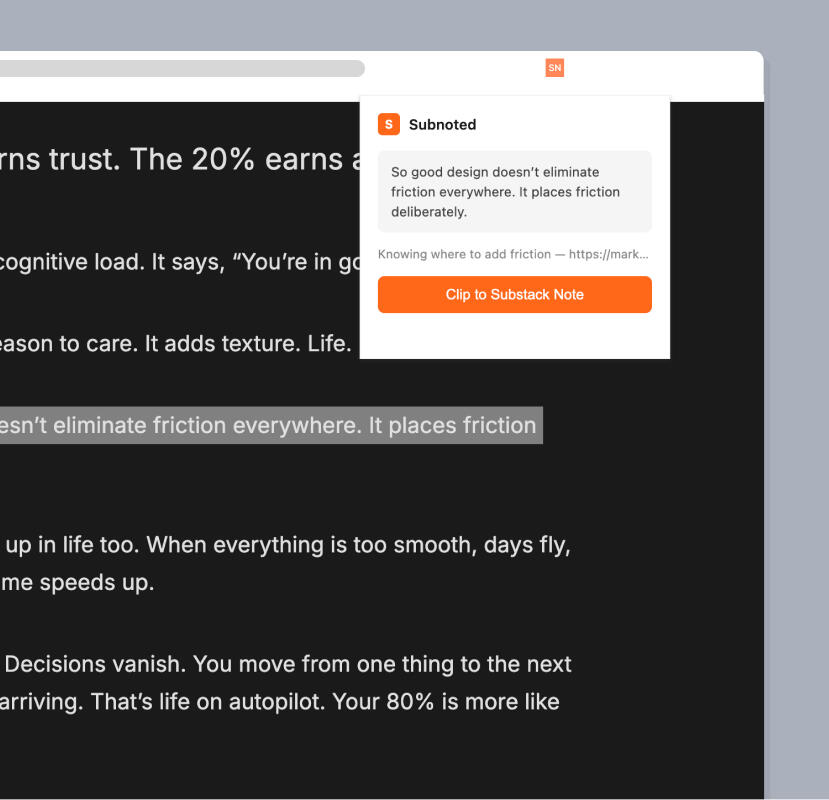
You want to get into the habit of sharing good stats, quotes and ideas when you’ve read something good. But copying it, switching tabs, opening Substack Notes, creating a draft, pasting it in...are just too many steps.The Subnoted Chrome extension does it with 1 click. Highlight text on any page, click the icon and it opens in the Substack Notes composer as a draft – ready to finish off and post.
Works with Substack, in Chrome
Draft opens in Substack Notes ready to hand to post
Includes the page title and URL for attribution
